
 RMK Billing
Billing and inventory software, made for your kind of shop
Last updated
Most billing software is one screen for everyone. RMK Billing starts from a ready-made setup for your trade: gold rates and wastage for jewellers, batch and expiry for pharmacies, IMEI for mobile shops, size and colour for garments. Pick yours and start billing. It is business software for the whole vyapar, not just the bill: stock, accounts, GST and books in one place.
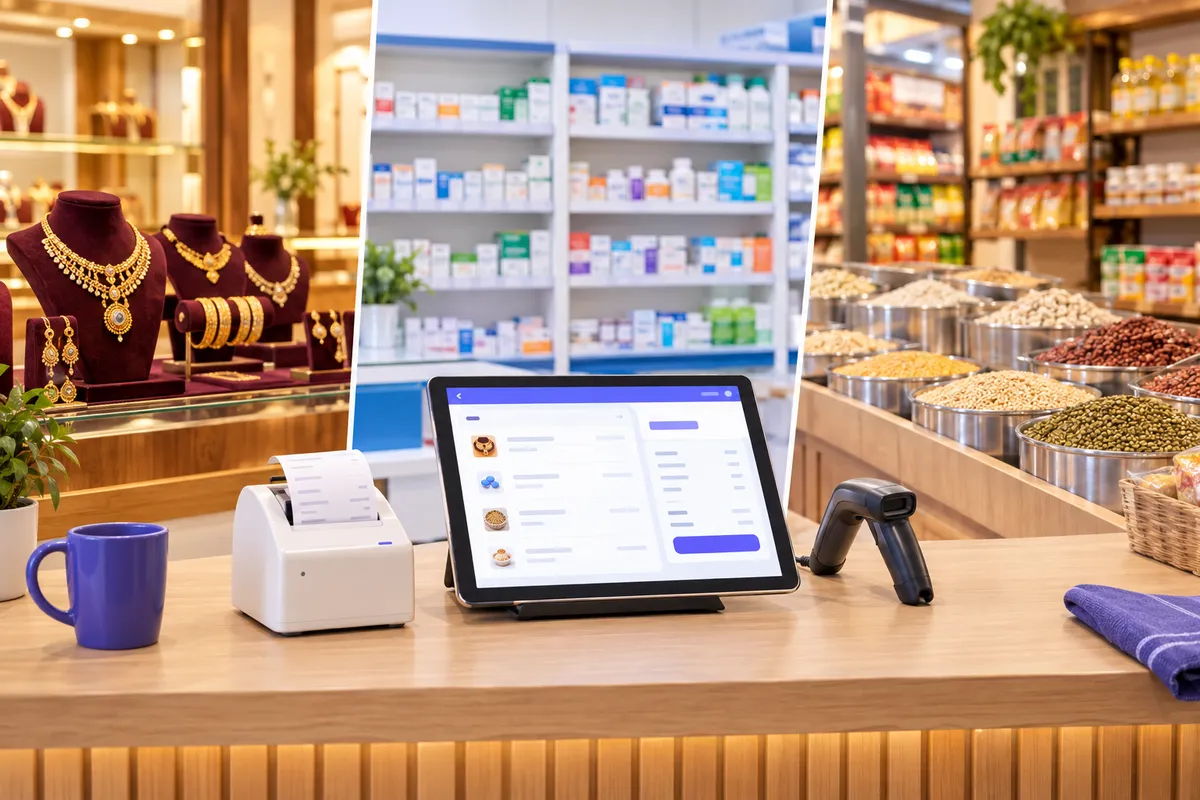
10-day free trial
Every feature, ready-made for your trade. Start billing the same day; your data stays when you subscribe.
- Sign up with a code on WhatsApp, an email link or your Google account; no card needed
- No cloud, server or storage charges: you pay only for your business
- Runs in the browser on PC, tablet and phone
- GST, VAT or sales tax, in your currency
- After the trial, pay from your admin panel by UPI, card or netbanking (Razorpay)
Your own demo shop for 24 hours, with products, customers and bills already in it.
Choose your trade
Ready-made for 16 kinds of shop
16 trades · swipe to see them all →
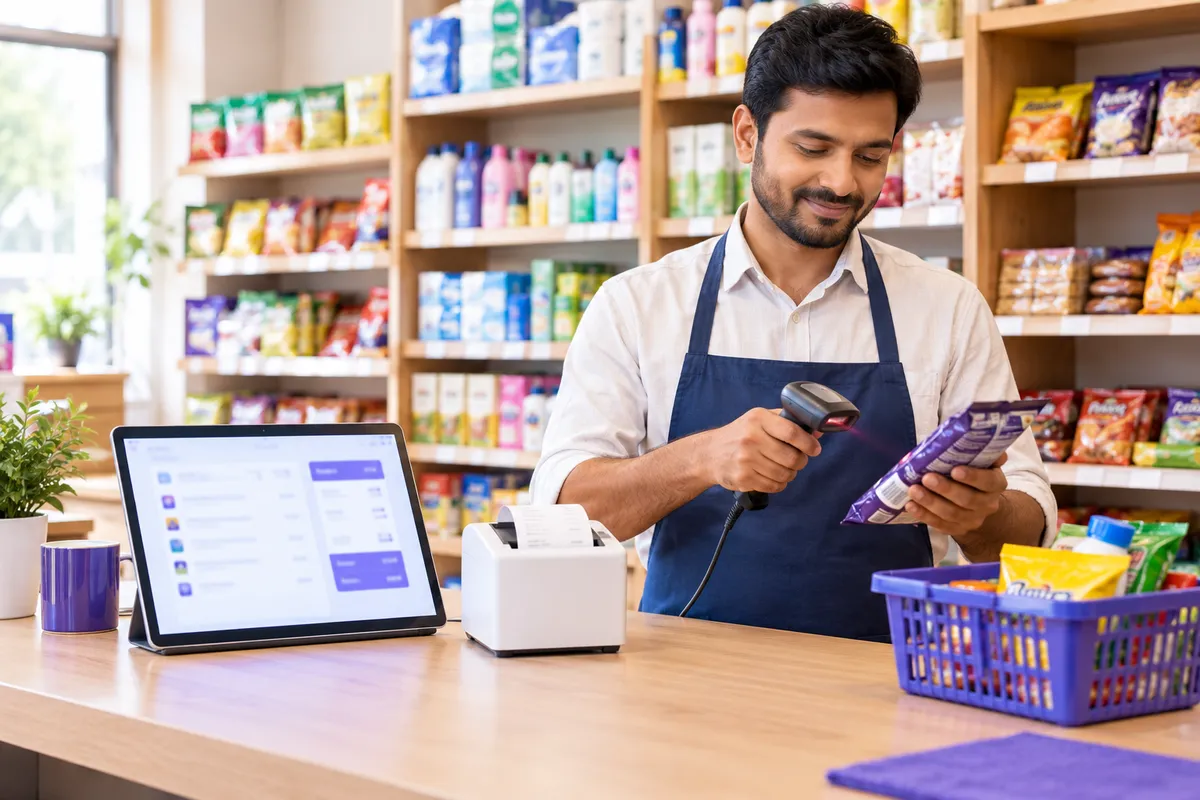
Retail Store
Barcode billing · Buy by box, sell by piece · Customer orders
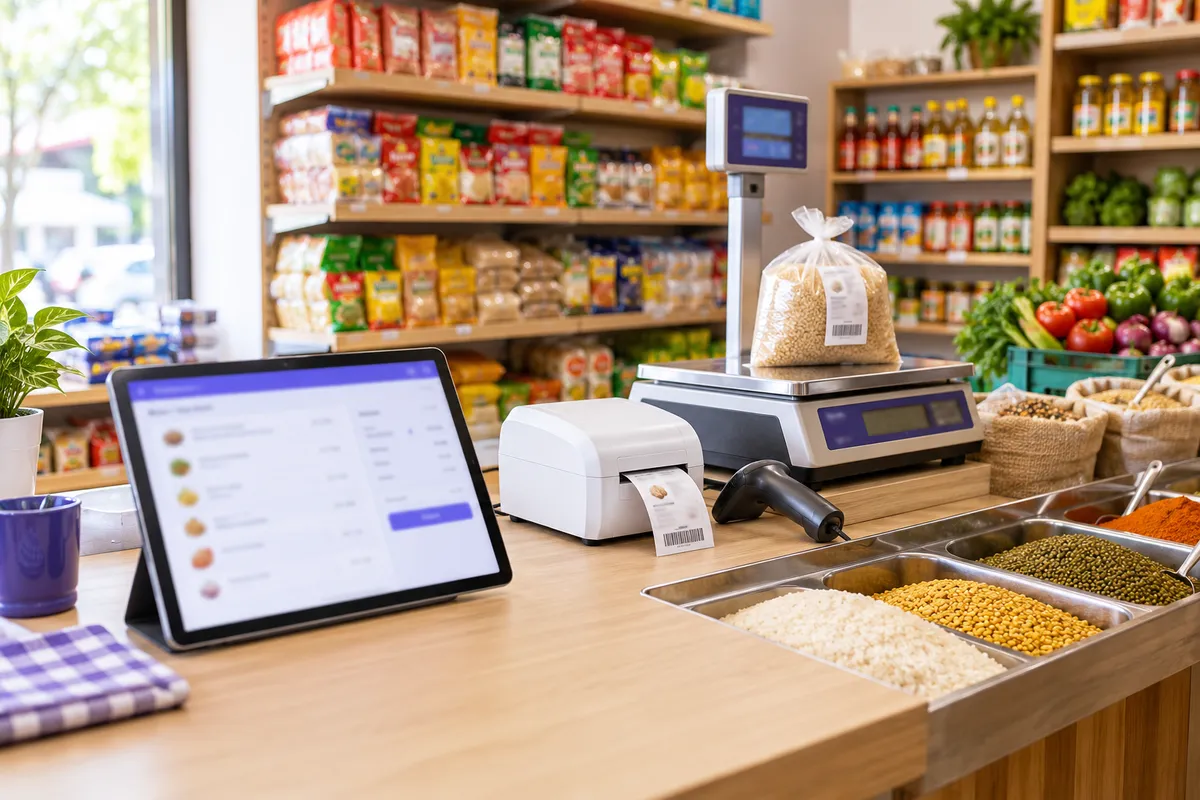
Grocery & Supermarket
Weighing scale barcodes · Sell by weight or piece · Batch, MRP and expiry
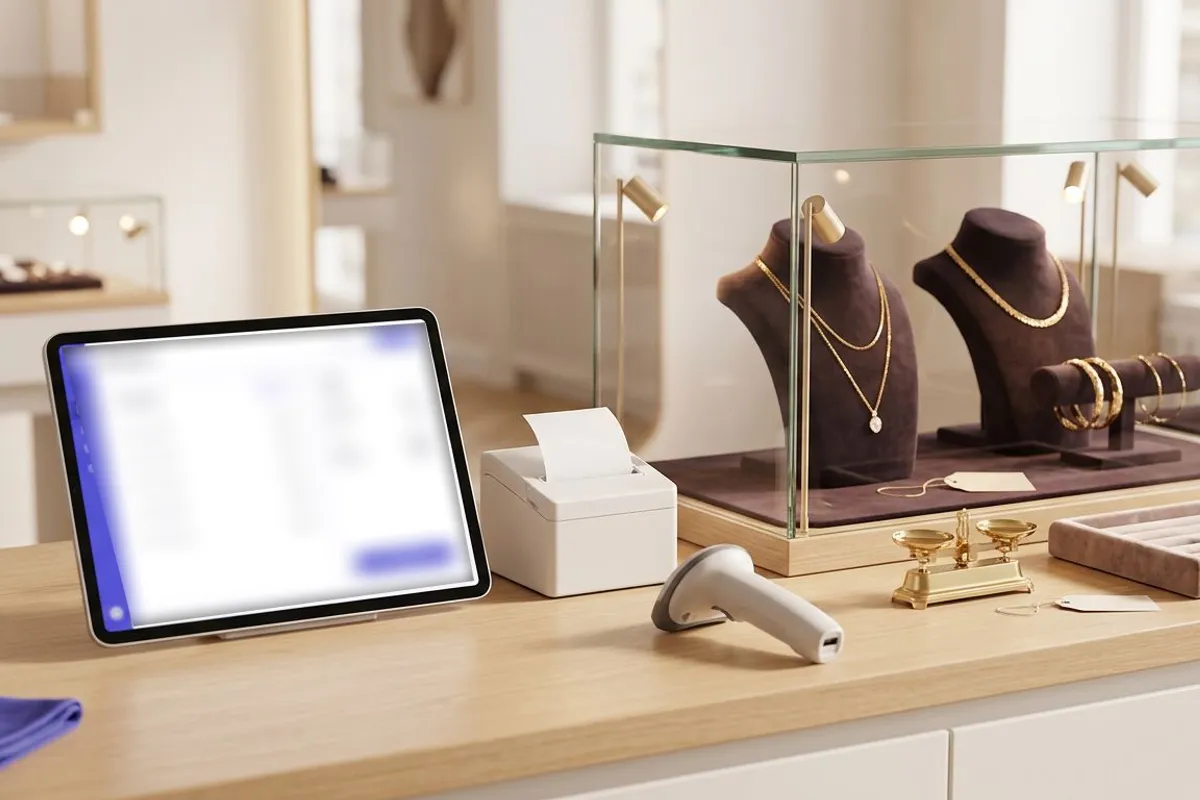
Jewellery Showroom
Daily gold and silver rates · Price by weight · Tags with HUID
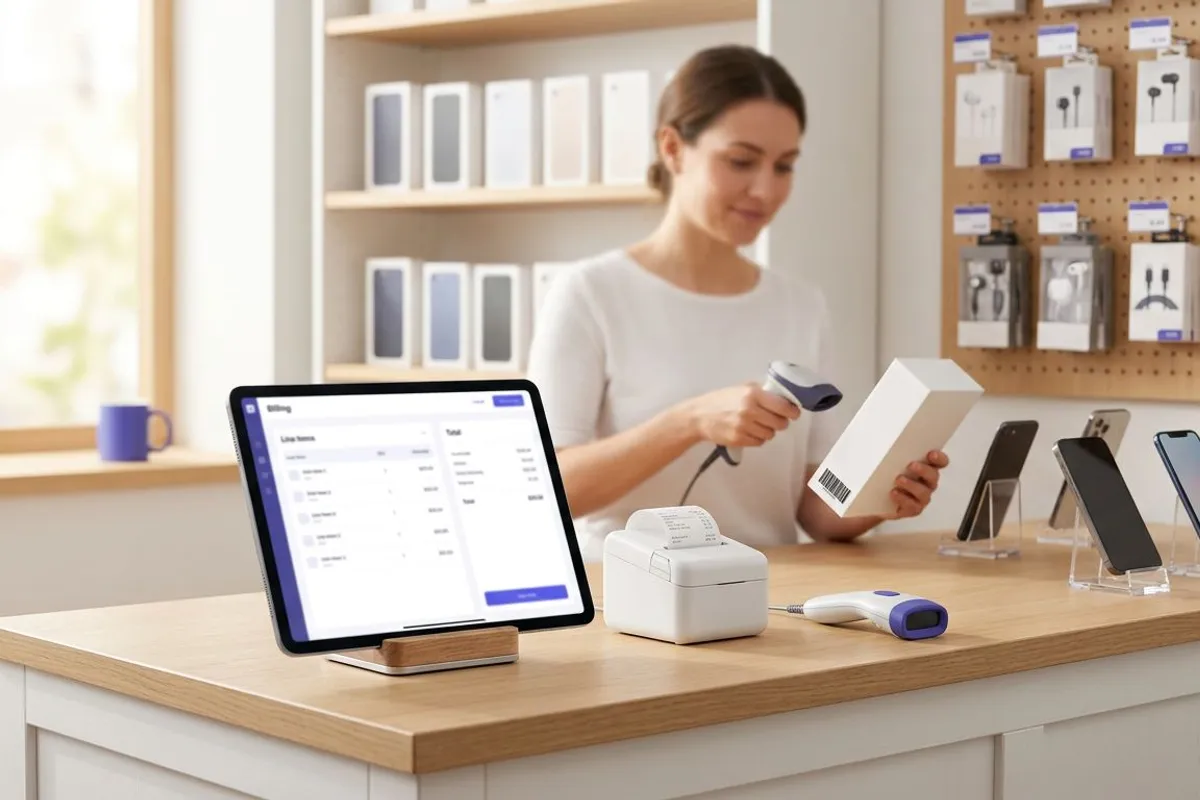
Mobiles & Electronics
IMEI and serial tracking · Model, colour and variant · Warranty on the bill
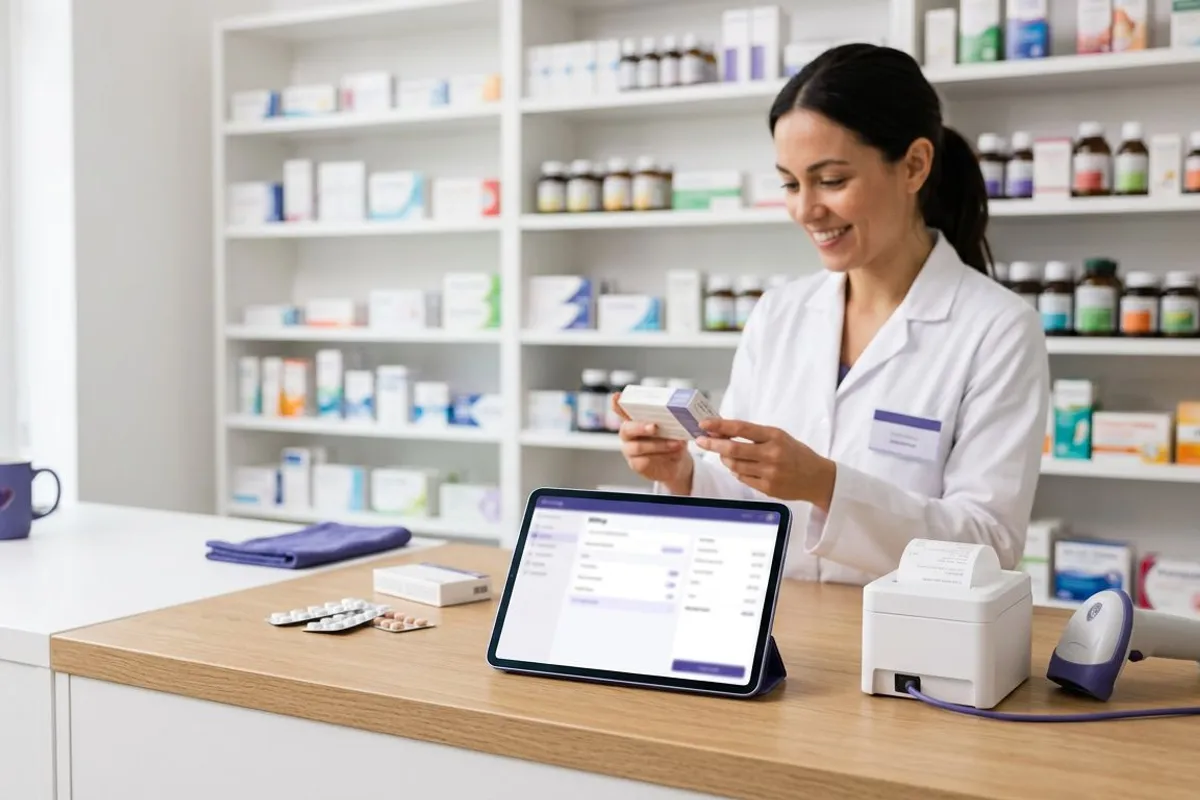
Pharmacy
Batch and expiry on every item · Near-expiry alerts · Strips and boxes
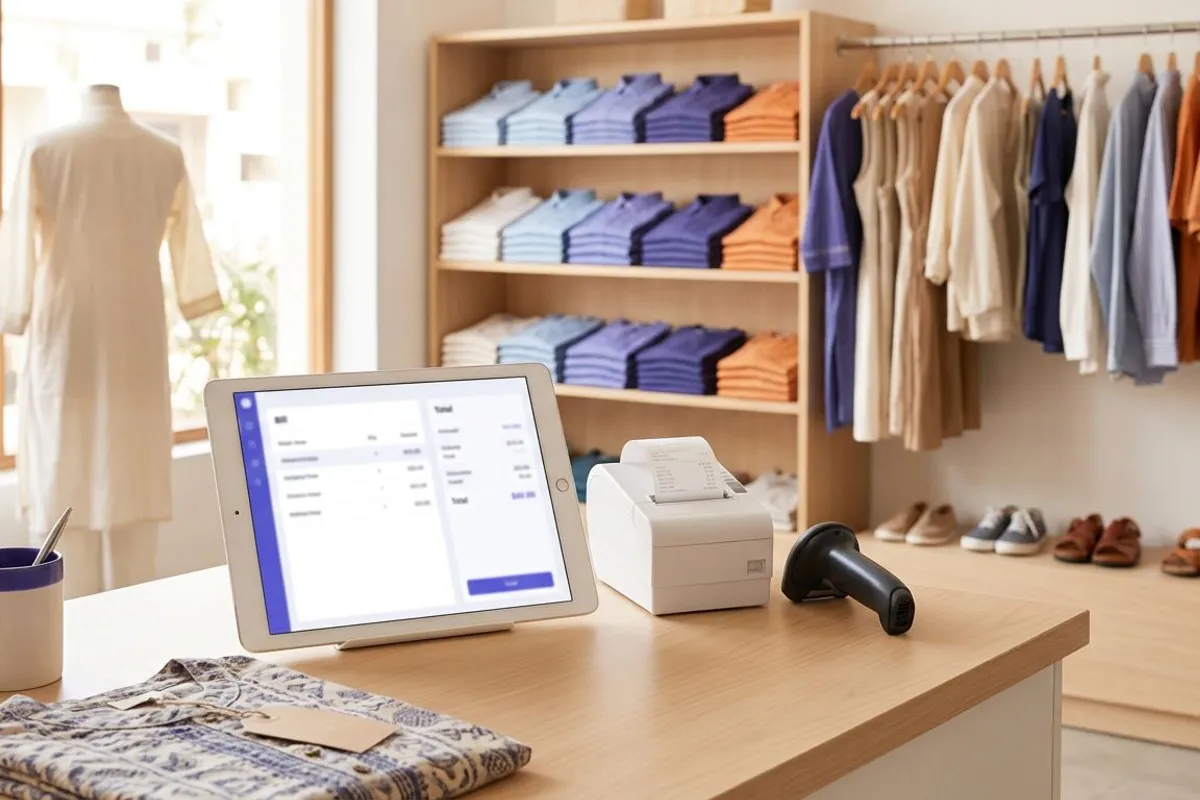
Garments & Footwear
Size × colour variants · Garment price tags · Fabric, brand and season
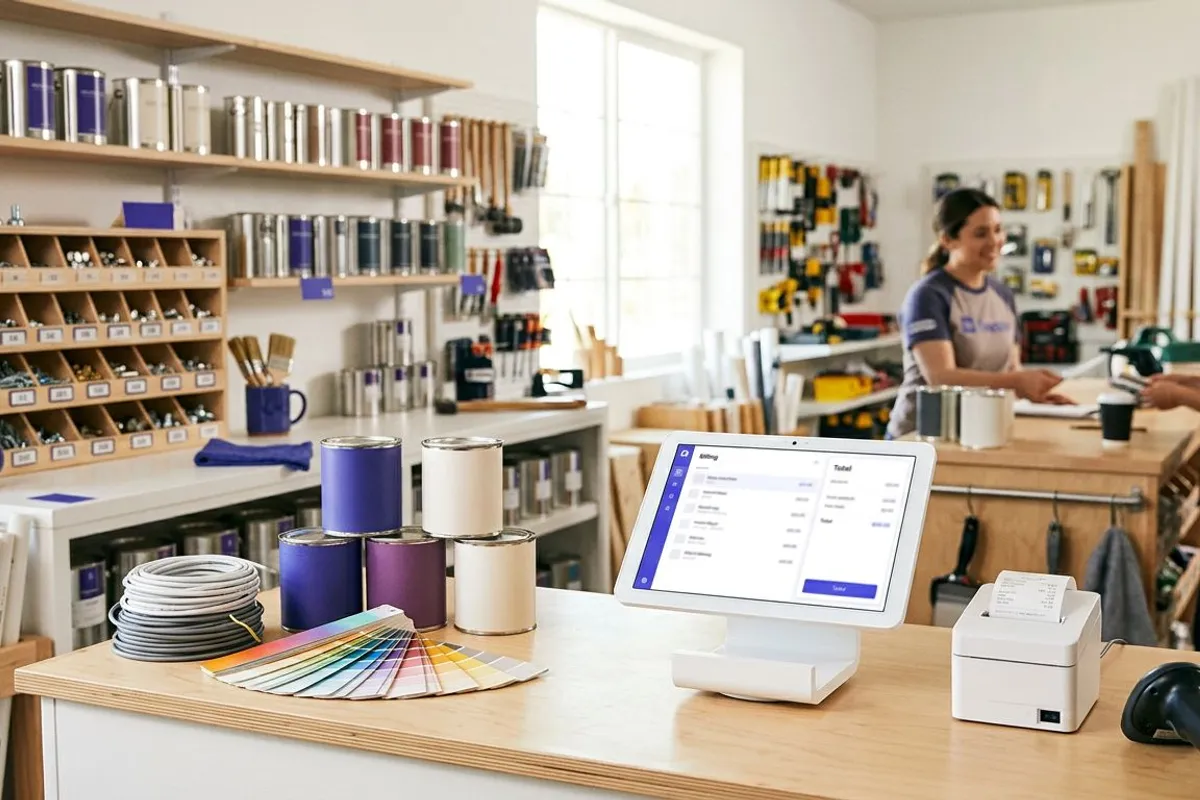
Hardware & Paints
Box, piece and metre · Paint shades · Brand, size and spec

Electrical Shop
Wire by the metre · Box and piece · Brand, rating and warranty
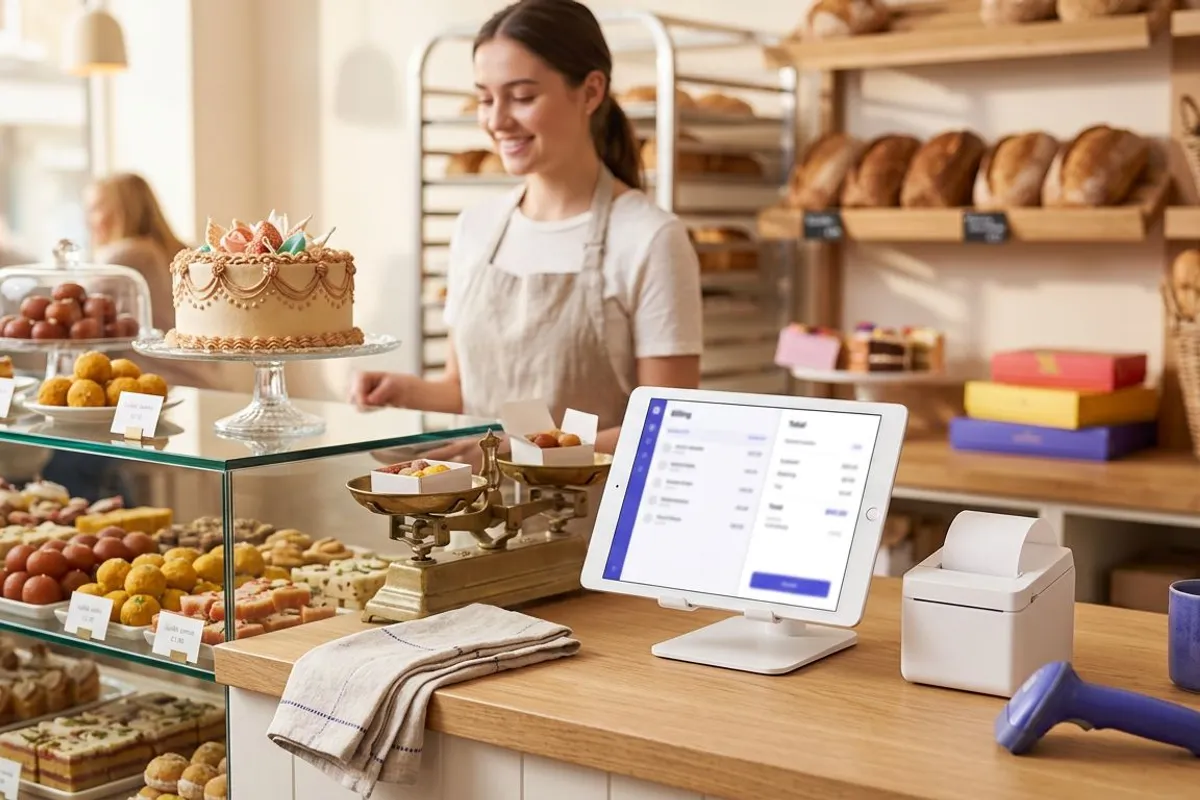
Bakery & Sweets
Sell by weight or piece · Scale barcodes · Best-before dates
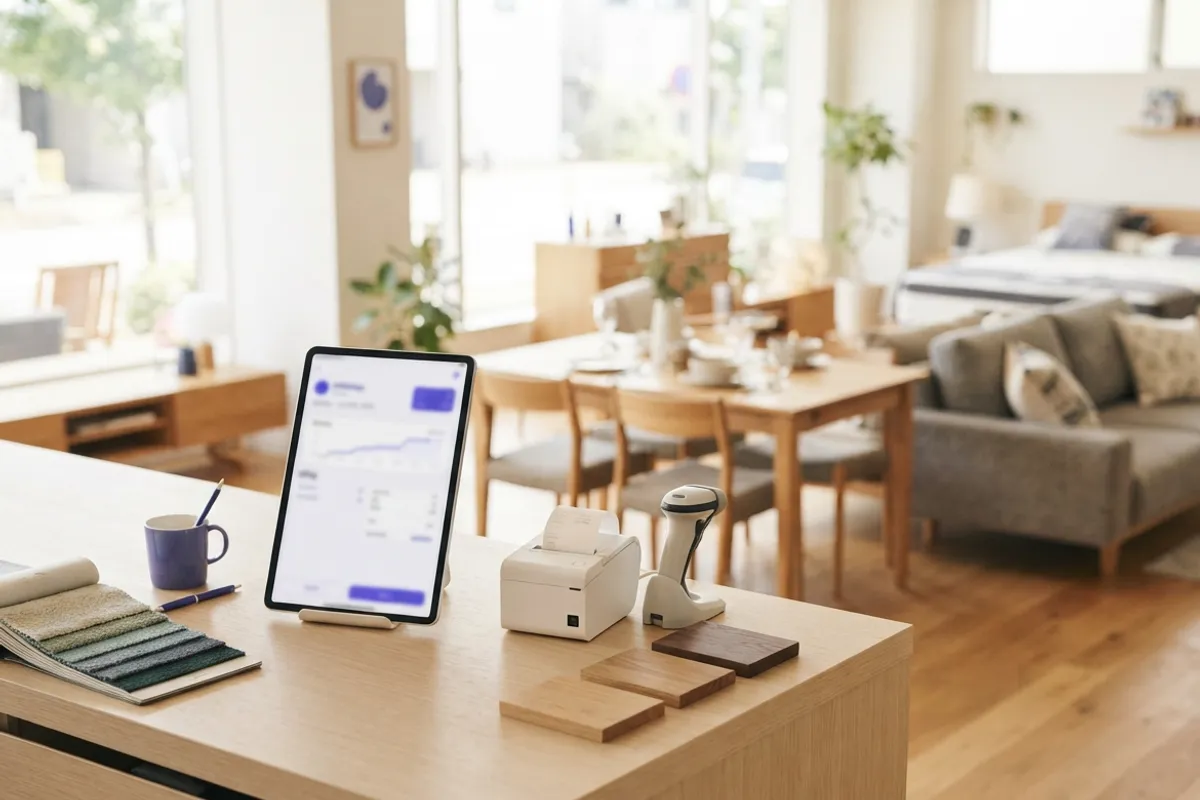
Furniture & Home
Each piece tagged · Material and dimensions · Add-ons and services
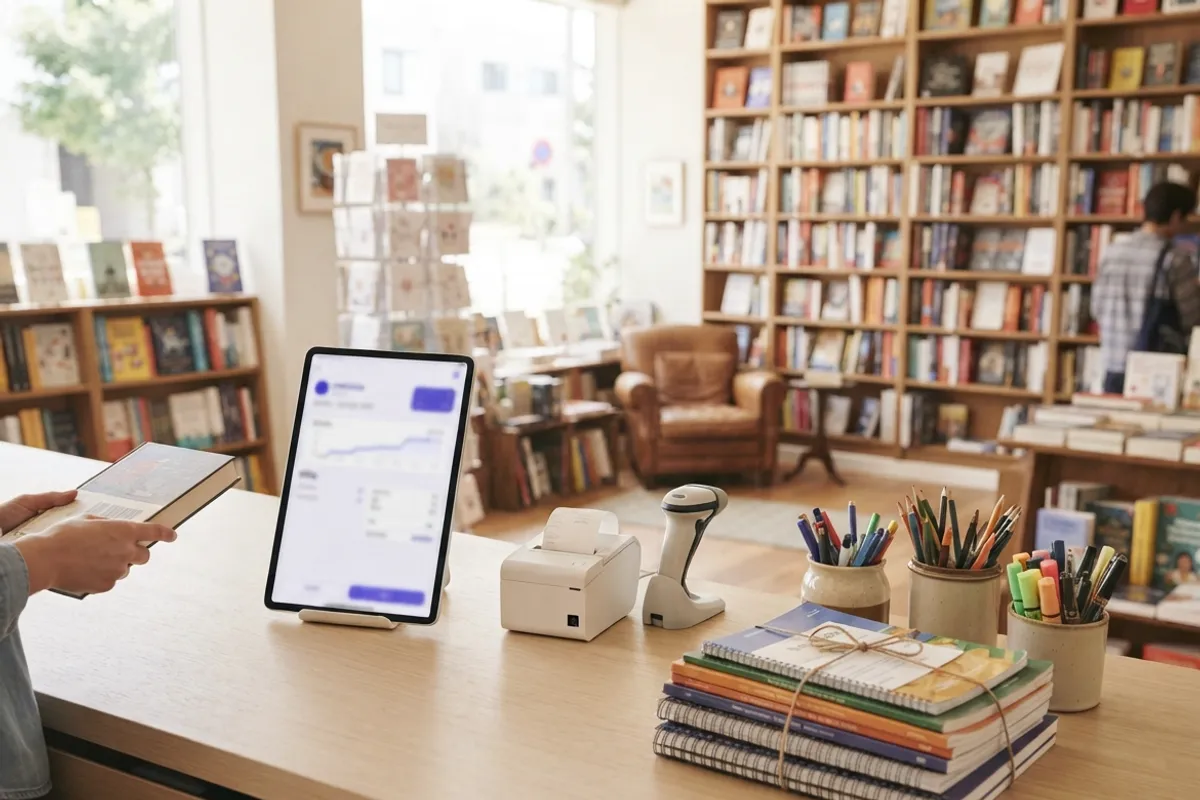
Books & Stationery
ISBN scanning · Author, publisher, edition · Class-wise school kits

Stationery Shop
Barcode billing · Piece, box and dozen · Class-wise lists
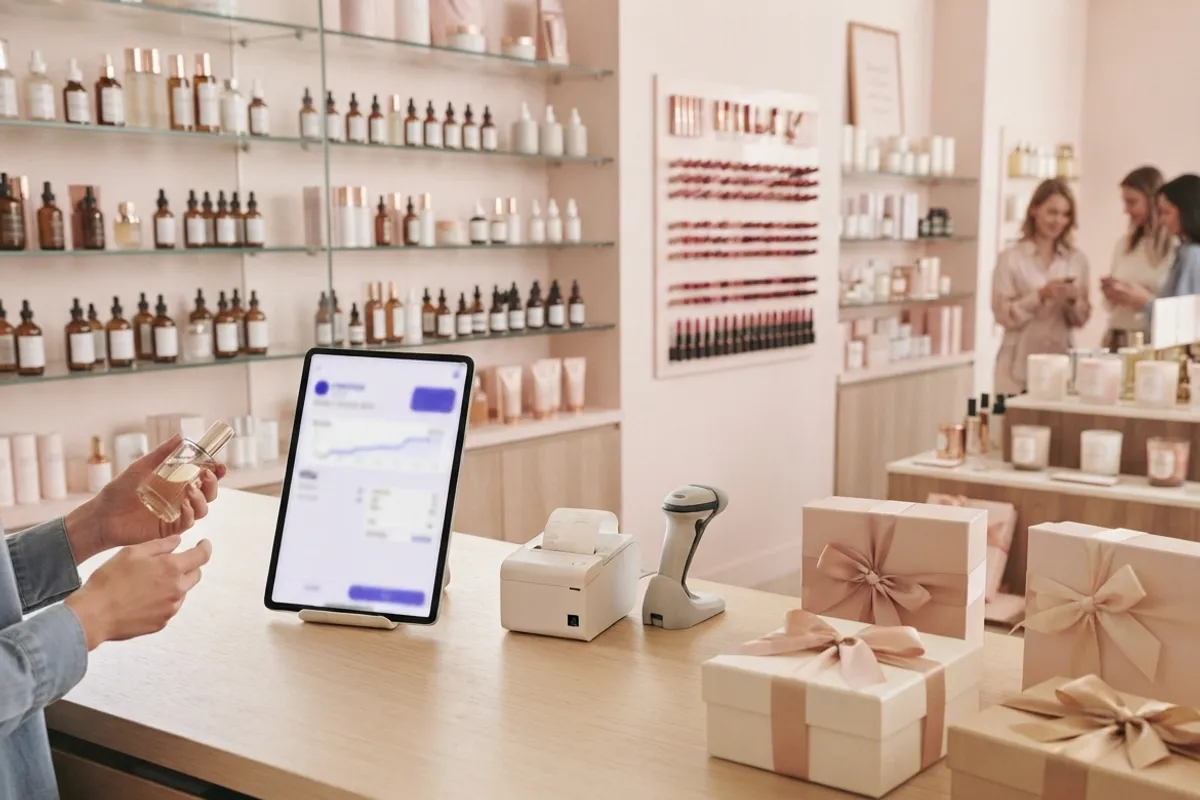
Cosmetics & Gifts
Shade variants · Batch and expiry · Skin type and brand
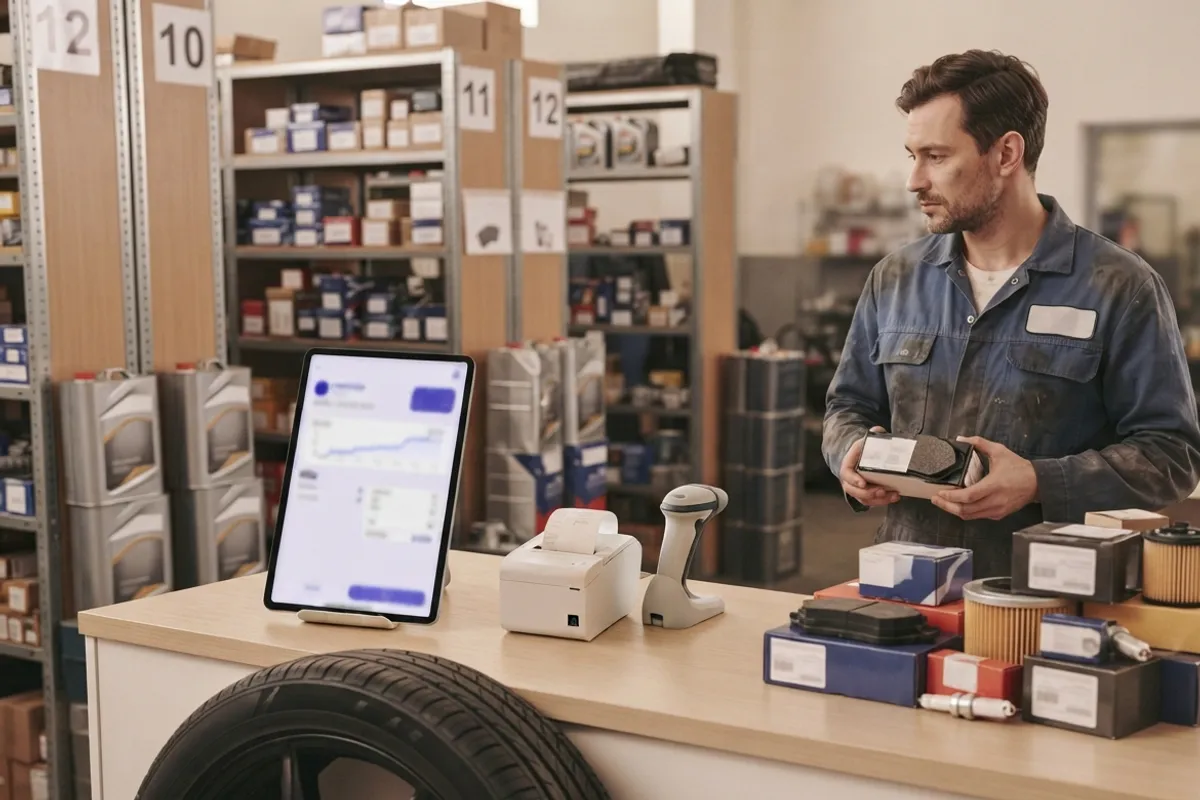
Auto Spares
Part number search · Fits vehicle · Rack and bin
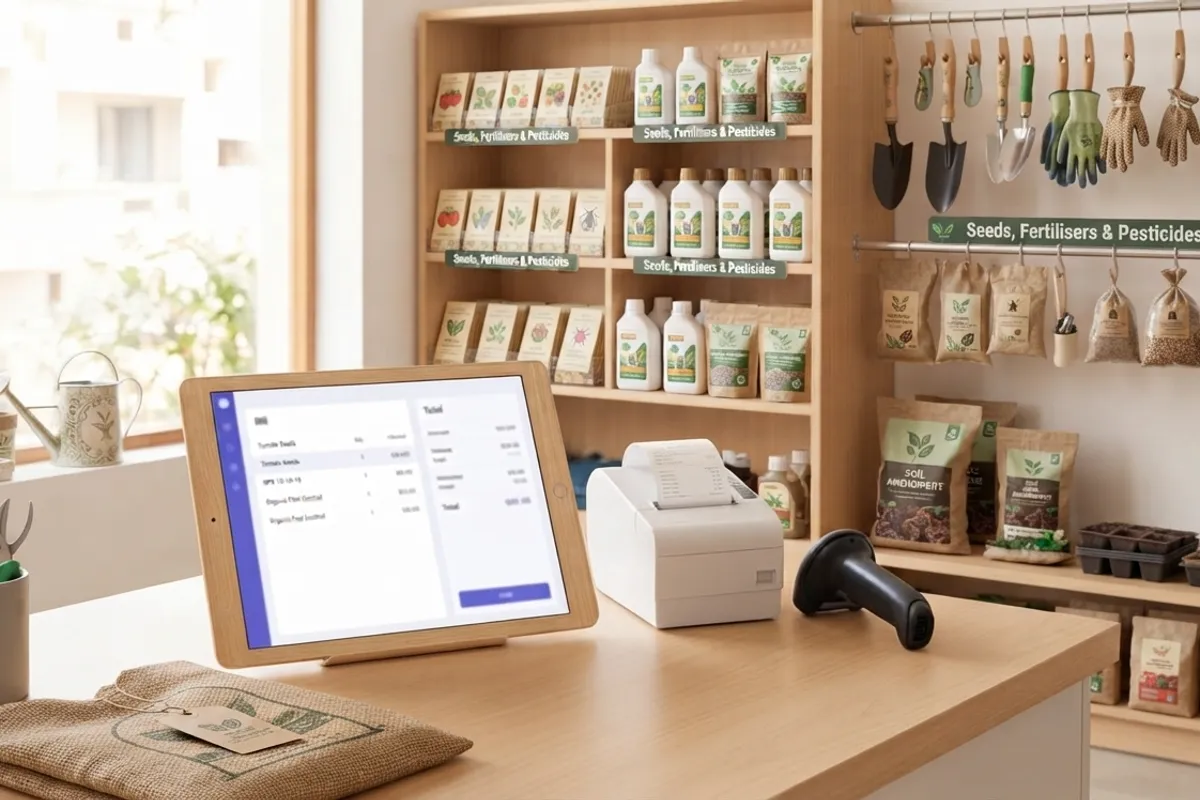
Seeds, Fertilisers & Pesticides
Batch, mfg date and expiry · Licence numbers on the bill · Crop, season and dose

Dry Fruits & Nuts
Loose by weight or in packs · Weighing scale barcodes · Lot, packed-on date and expiry
Bill in RMK Billing, keep the books in Tally. Nobody types it twice.
No worries about manual entries by staff or the accountant, and no waiting for month-end posting. The shop bills in RMK Billing; the RMK Billing add-on for TallyPrime brings the same vouchers into the business's company in Tally, and keeps both sides live. Accountants, CAs and auditors: everything you need to start is on this card.

No entries typed twice
Bills, receipts, purchases, returns and expenses made at the shop go into Tally as they are: no manual posting by staff or the accountant, no Excel, no files.
Into Tally, complete
Ledgers with GSTIN and state, GST ledgers by rate, sales, purchases, receipts, payments, credit and debit notes, contra and journals with bill-wise references. Already in Tally? Skipped.
Live both ways
Switch on auto sync in Tally and every minute new bills come into Tally and Tally's vouchers come back. Or send a year from Tally when a business moves to RMK Billing.
Safe for every client
One Tally for all your clients: each company is connected to its own business with its own code. The owner sees every connected Tally and can cut it off at once.
For accountants, CAs and auditors: start in four steps
- 1Download the add-on and load it in TallyPrime (F1 Help → TDLs & Add-ons → Load TDL on Startup).
- 2The business shares its books with your email: sign in free as an accountant or auditor.
- 3Copy the client's Tally code and paste it in that client's company (RMK Billing → Connect).
- 4Get from RMK Billing for any period, or switch on auto sync and stay live.
TallyPrime only (on Tally.ERP 9, export files from RMK Billing and import them). Tally and TallyPrime are trademarks of Tally Solutions Pvt. Ltd.; RMK Billing is not made or endorsed by Tally Solutions.
Every bill prints on the right printer, by itself.
RMK Billing prints from any browser. Add the free RMK Utility app on the Windows computer that has your printers, and printing needs no clicks at all: bills, receipts, job slips, challans and reports go straight to the printer set for them, from the counter PC and from every phone and tablet in the shop.

RMK Utility
Windows 10 and 11 · about 1 MB
Works only with RMK Billing. It is not a printer driver for other software.
The right printer, every time
Bills on the thermal roll, purchase orders on the A4, two copies of each challan: set which printer takes each print once, and it goes there.
Prints as soon as you save
Switch on Print by itself after saving and the bill comes out the moment it is saved. No print dialog, no choosing the printer.
From phones and tablets too
A bill made on the shop floor on a phone or tablet prints on the counter computer's printer.
Safe on a shared computer
The printing computer is connected with a code, not a person's sign-in. It prints what is sent to it and sees no bills, customers or reports.
Sell online too: your own shop website, with orders and updates on WhatsApp.
Open an online store from the same products and stock it bills from. Share its link on WhatsApp or Instagram; orders come into RMK Billing ready to bill, and the customer is kept up to date on WhatsApp until the parcel reaches them.
Your shop's own website
Your products with photos, prices and stock straight from billing, at yourshop.shops.rmktechservices.com or your own domain. Nothing to type twice.
Orders straight into billing
Customers order for home delivery or pick-up; their mobile is checked with a WhatsApp code. The items are kept aside and the order is billed like any sale, with GST and stock.
Paid to your own account
Pay online through your own Razorpay, Cashfree or Stripe account, or cash on delivery or at the shop. The money never passes through us.
Kept posted on WhatsApp
The customer gets a WhatsApp message when the order is confirmed, dispatched with the courier's tracking, ready to collect and delivered, with a link to its status page.
In every setup
Everything a shop counter needs
Fast counter billing
Scan or search, Enter moves to the next field, Ctrl+Enter issues the bill. Works on a PC, tablet or phone.
GST, VAT or sales tax
Pick your country and tax registration at sign-up: GST tax invoice, bill of supply for composition dealers, VAT in 22 countries, US sales tax.
Any currency
Choose your currency when you sign up. Every bill, report and price tag uses it.
Stock and purchases
Supplier bills add stock, sales take it out, reorder levels warn you, and stock value is kept at average cost.
Customer and supplier accounts
Credit sales, receipts, advances, returns with credit notes, supplier payments and party ledgers.
Reports and Excel export
Sales, purchases, tax summary, item-wise and stock reports for any period, exported as real Excel files.
Bill designs and printing
A4, A5 and thermal receipt layouts with your logo. Each kind of print goes to its own printer, by itself after saving, with the free RMK Utility for Windows.
Staff logins and activity log
Each staff member sees only the screens you allow. A log shows who made, changed or deleted each bill and when everyone signed in and out.
Detailed reports and charts
Your own columns, filters and groups on sales, purchases, payments, stock and orders, saved as views, charted and pinned to the dashboard.
Move from Tally
Import parties, stock items, opening balances and old vouchers from Tally's XML export, and export back to Tally any time.
Several shops, one sign-in
Add another business, even of a different trade, and switch between them; each keeps its own books and subscription.
Online store
Your own shop website on our address or your own domain. Customers order for delivery or pick-up and pay online to your own account; orders come in ready to bill, with updates on WhatsApp.
Send bills to customers on WhatsApp
RMK Billing sends your bills to your customers on WhatsApp through the official WhatsApp Business Platform (Cloud API) from Meta. RMK Tech Services provides the service; you decide what is sent and to whom.
Bills and receipts as PDF
Send a tax invoice, payment receipt, credit note or refund voucher to the customer on WhatsApp with one click, the PDF attached, or have bills sent automatically when they are saved.
Order and repair updates
Tell a customer their order or repair is ready to collect, using a message text you set in Settings.
Delivered and read ticks
Each bill shows whether its WhatsApp message was sent, delivered or read.
Our number or yours
Messages go from the RMK Tech Services number, or you connect your own WhatsApp Business number through Meta's secure signup and messages go from it.
We use your WhatsApp connection only to send the messages you ask for to your own customers and to show their delivery status. We never sell this data, use it for advertising or share it with other businesses. You can switch WhatsApp off or disconnect your number at any time.
Connect your WhatsApp Business numberWhatsApp Privacy Policy
FAQ
Common questions
Is RMK Billing only billing software, or business software for the whole shop?
It is business software, vyapar software for the whole shop: bills at the counter, stock, purchases, customer and supplier accounts, GST returns, books and reports, ready-made for your trade. The bill you make once updates everything else, and your accountant can work in the same books.
How long is the free trial of RMK Billing?
10 days with every feature. Sign up with your mobile (a code comes on WhatsApp), your email or your Google account, enter your business details and start billing; no card is needed. Your data stays when you subscribe.
How much does RMK Billing cost?
The price is set for your business, by its size and the features you use. You see your price in your admin panel before paying, and pay there by UPI, card or netbanking through Razorpay. There are no cloud, server or storage charges on top.
Are there any cloud or server charges?
No. The cloud servers, storage of your bills and photos, security and every update are included. You pay only for your business: one price set by its size and the features you use, shown in your admin panel before you pay. The only extra you may choose is WhatsApp message credits, for messages beyond the free ones each month.
Do I need to install anything?
No. It runs in the browser on a PC, laptop, tablet or phone, and can be added to the phone's home screen like an app. Only if you want bills to print by themselves, with no print dialog, install the free RMK Utility on the Windows computer that has your printers.
Can bills print straight to my printer without the print dialog?
Yes, with the free RMK Utility app for Windows. Choose which printer takes bills, receipts, job slips, challans and reports, how many copies, and whether to print as soon as a bill is saved. Bills made on phones and tablets print on the shop computer's printer too. RMK Utility works only with RMK Billing.
Can I see which staff member made or changed a bill?
Yes. Every bill and voucher shows who made it and who last changed it. The owner's Staff activity log lists who made, changed, cancelled or deleted each bill, receipt, purchase, product or setting, with what changed, and when each person signed in and out, on which device. Nobody can edit the log, and it is kept for a year. You can also have staff signed out after a set time without use.
Can I use it outside India?
Yes. You choose your country, tax registration and currency at sign-up; India GST, VAT in 22 countries and US sales tax are built in, and other countries can bill without tax.
Can RMK Billing send bills on WhatsApp?
Yes. Bills, receipts, credit notes and order-ready messages go to the customer on WhatsApp with the PDF attached, through Meta's official WhatsApp Business Platform. They are sent from our number, or from your own WhatsApp Business number once you connect it.
Can customers order and pay online?
Yes. Open your online store and customers order for home delivery or pick-up, paying online through your own Razorpay, Cashfree or Stripe account, cash on delivery or at the shop. Orders come into RMK Billing with the items kept aside, are billed like any sale, and the customer gets WhatsApp updates up to delivery.
Do I need a Google account to sign in?
No. Sign in with your mobile number (a one-time code comes on WhatsApp), with your email (a sign-in link or a password), or with Google. You can add the other ways to the same account later in Settings → My sign-in.
Can I bring my existing product list?
Yes. Import from Excel; common column names from other billing software (Item name, MRP, HSN, GST %) are recognised automatically.